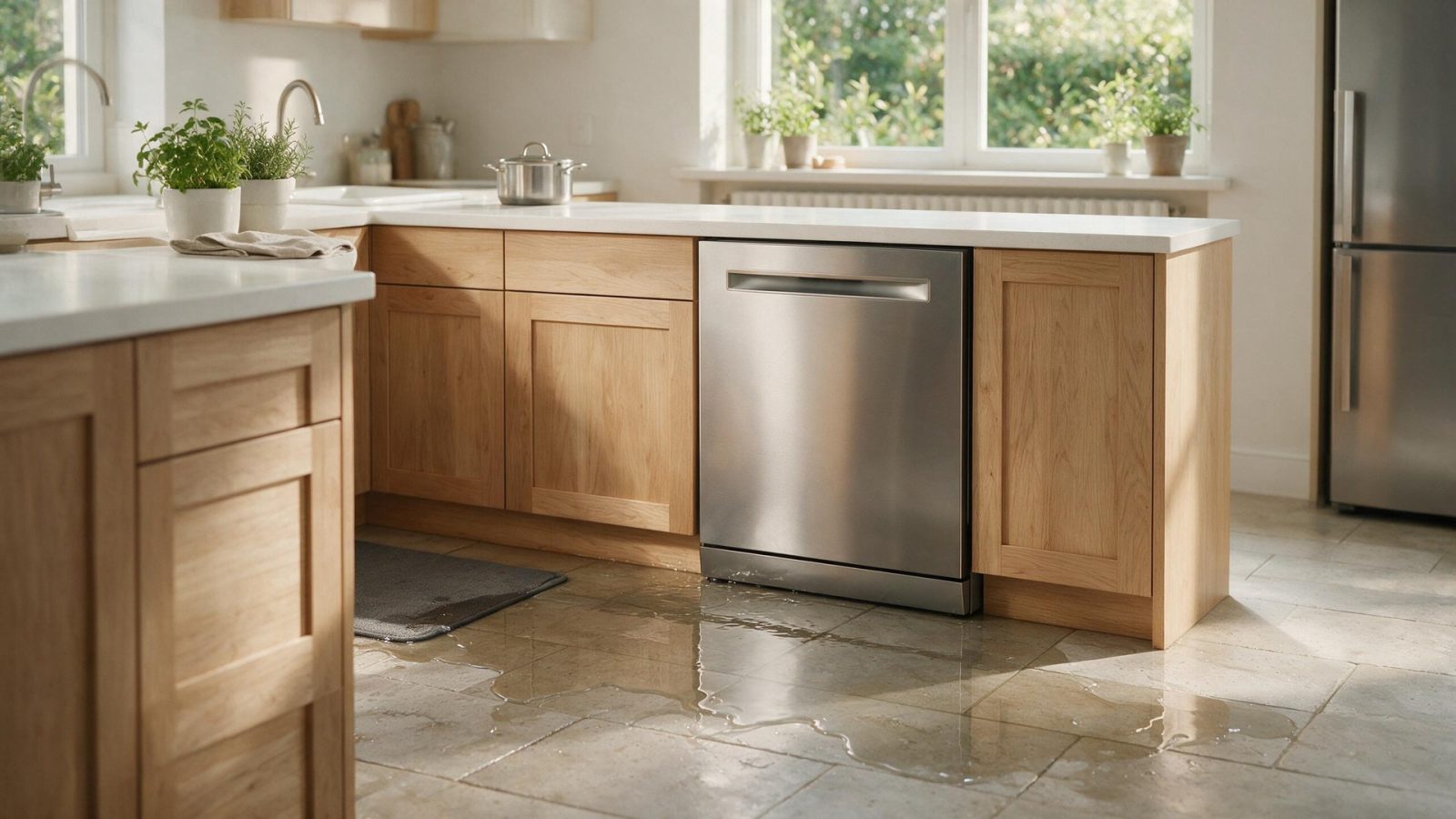
A Samsung washer leak can begin at the inlet hoses, dispenser, door/gasket, drain filter, pump area, tub connection, or household drain. The situation becomes more urgent when water spreads toward outlets, plugs,…
When water collects around a Samsung washer, shut off the water supply if you can do it safely, stop the cycle, and keep the washer unused if water has reached an outlet, plug, or wiring. Then find where the water starts: a door drip when you open a front-load door is normal, but a leak with the door closed is not. Hoses, o-rings, the gasket, detergent suds, and the drain hose are the places to look.
A Samsung washer leak can begin at the inlet hoses, dispenser, door/gasket, drain filter, pump area, tub connection, or household drain. The situation becomes more urgent when water spreads toward outlets, plugs, pedestal connections, or other energized areas.
| Symptom | What it can point to | What you can safely check |
|---|---|---|
| Water at the front when you open the door | Normal dripping from a front-load door | Compare with a leak while the door stays closed |
| Dripping with the door closed | A hose connection, o-ring, gasket fold, or the drain path | Inspect the hoses and o-rings at both ends and fold back the gasket for hair or thread |
| LC, LE, 1E, or 1C | Water-level or leak errors, per Samsung | Find the leak, check hoses, and run empty cycles without detergent to see if excess suds are involved |
| Water and suds out of the dispenser | Non-HE detergent or too much detergent | Use only HE detergent and stay below the MAX line |
Samsung laundry includes front-load, top-load, All-in-One washer/dryer, and Laundry Hub families. Fill, wash/tumble, drain, balance, and spin are separate stages. A washer that cannot drain may never reach high-speed spin even when the drive system is healthy.
Record the exact display and full model number. Familiar strings such as 4C/4E, 5C/5E, UE/Ub, or dC still require the correct platform context.
For stacked or laundry-hub installations, water may travel into adjacent components. Do not unstack or partially disassemble the installation as a homeowner.
Samsung’s leak page separates normal from abnormal. Front-load doors can drip a little when opened, but a leak is dripping with the door closed. For a true leak, it suggests inspecting the hoses and the o-rings at both ends, then folding back the gasket and removing hair or thread from it.
Use that order to avoid chasing the wrong cause. A small drip at a hose connection and a pool under the machine can both look like a leak from the tub, so follow the water back to its highest point.
Samsung says to use only HE detergent, and that even one non-HE load can cause excess suds and residue. Do not exceed the MAX line. A washer that shows SUd or Sd pauses to let suds settle and then continues.
The drain hose also matters. Samsung says to keep the hose clamp holder screwed to the back of the washer, because removing it can trigger automatic draining and an LC or 4C error. Insert the hose 6 to 8 inches into the standpipe, with no airtight seal.
If water has reached an outlet, plug, wiring, or control area, do not restart the appliance until the leak source and electrical safety are addressed.
Other stop-use conditions include smoke, sparking, burning electrical odor, repeated breaker trips, persistent gas odor, uncontrolled overheating, violent mechanical movement, or water contacting electrical connections.
Do not bypass safety devices or perform live electrical, internal gas, sealed-refrigeration, induction-power, or microwave high-voltage work as a homeowner.
On front-load models, Samsung says to wait one hour after a hot cycle, such as Self Clean, Pure Cycle, or Sanitize, before opening the pump filter. Samsung also suggests cleaning the pump filter about monthly or every 40 washes, whichever comes first.
If you cannot find the source with the checks above, stop using the washer instead of running more cycles near wet connections.
Write down:
– the complete Samsung model code, including a suffix such as `/US`, `/AA`, or `/A3` when the product label includes one;
– the appliance type and installation style;
– the exact symptom in one sentence;
– when it began;
– whether it is constant or intermittent;
– what related function still works normally;
– any displayed code, message, light pattern, or warning before reset;
– any recent power, water, gas, drain, venting, cleaning, filter, or installation event.
Leave built-in, stacked, laundry-hub, or tightly fitted appliances installed unless the service team specifically requests access. Moving an appliance without a plan can disturb flooring, cabinetry, anti-tip hardware, gas, water, drain, venting, or electrical connections.
Do not clear a useful diagnostic display before recording it. Do not replace a part because another Samsung owner reported the same symptom. Do not use a dishwasher code meaning for a washer or range because the characters look similar.
One controlled owner-level check is useful when it answers a question. Repeated resets or panel removal usually removes evidence instead of adding it.
For adjacent symptoms, read Samsung Washer Won't Spin: Drainage, Balance, and Door/Lid Status Before Drive Parts and Samsung Washer Repair Cost: Fill, Drain, Spin, Lock, or Drive?.
One normal manual-approved restart can be useful after a temporary control interruption. Record the display first. If the same symptom returns, repeated resets are not a repair.
Usually no. A code narrows the system; it does not always identify one failed component.
No. Keep homeowner checks external and model-appropriate.
Samsung uses many appliance generations and regional/model suffixes. Exact model identity helps prevent the wrong code meaning, wrong procedure, or wrong part path.
Samsung says front-load doors may drip when opened, and a leak means dripping with the door closed. If you see water only when opening the door, compare it with a closed-door leak.
Samsung says non-HE detergent or too much of it can cause excess suds and residue. It calls for HE detergent and says not to go past the MAX line.
Keep the washer off, shut off the household water if safe, and do not restart until the source and electrical safety are checked.
Book your repair
Book a specialist visit for a clear estimate and approval before any repair.
One normal manual-approved restart can be useful after a temporary control interruption. Record the display first. If the same symptom returns, repeated resets are not a repair.
Usually no. A code narrows the system; it does not always identify one failed component.
No. Keep homeowner checks external and model-appropriate.
Samsung uses many appliance generations and regional/model suffixes. Exact model identity helps prevent the wrong code meaning, wrong procedure, or wrong part path.
When a Samsung refrigerator cannot maintain temperature, protecting perishable food is more urgent than finding the code meaning. Confirm actual temperatures, limit door openings,…
Visible water or an LC-style leak indication should be treated as a containment problem before it becomes a parts problem. Stop additional water and…
A Samsung gas burner may click without lighting because the cap is wet, dirty, or mis-seated, but persistent unburned gas odor changes the situation…
Book your repair
Tell us the symptom, appliance and any code you see. We’ll use those details to start with a focused diagnostic path.
Share a few details and we’ll confirm an appointment. Prefer to talk? Call us and we’ll help right away.