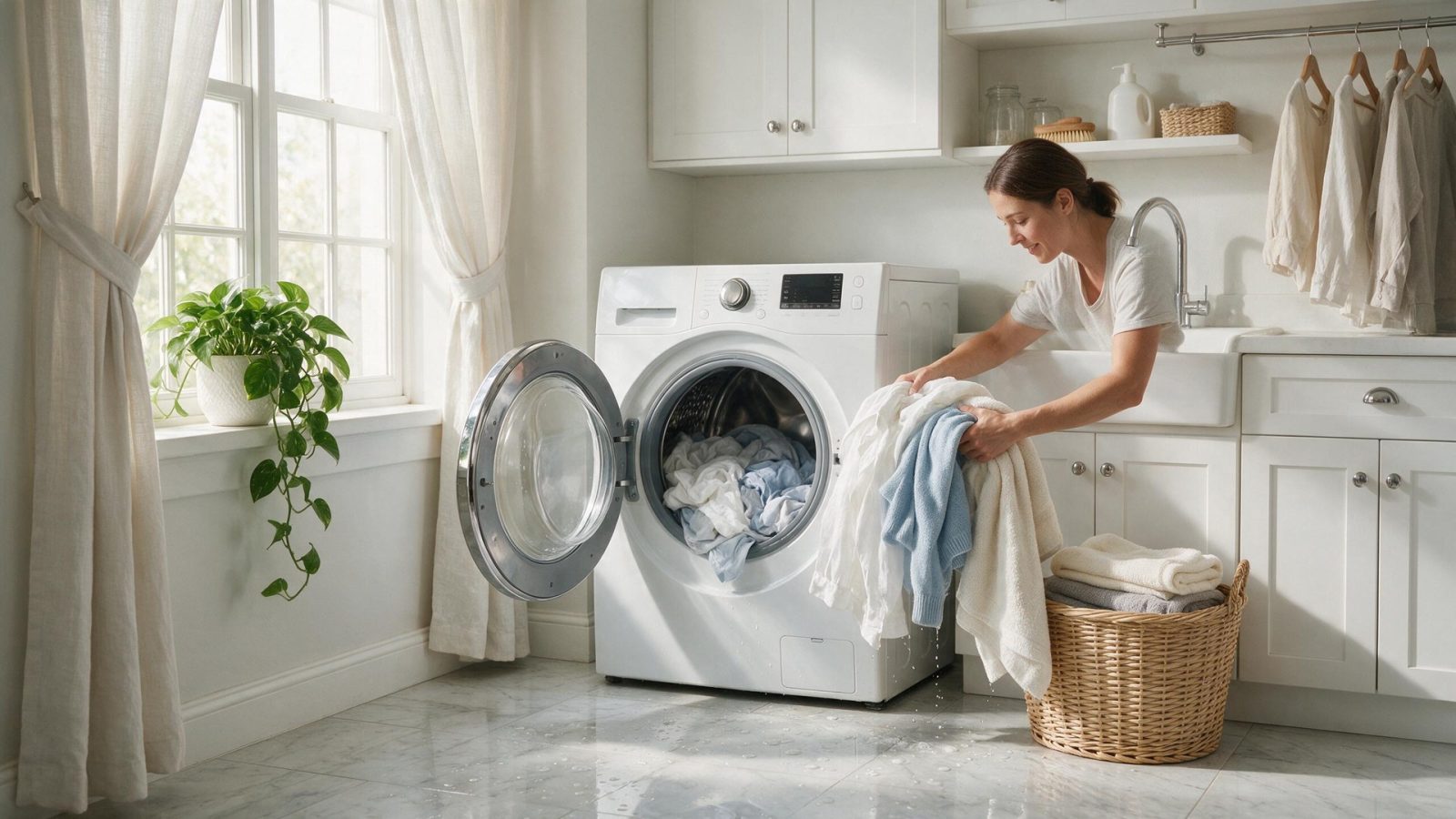
A Samsung washer may refuse high-speed spin because water remains in the tub, the load cannot balance, the lid or door is not recognized, or the drive/control system cannot complete the transition. Follow the cycle…
A Samsung washer that will not spin is most often waiting on something before it starts: water still in the tub, a load that cannot balance, or a door or lid it does not register as closed. Check drainage first, then redistribute or reduce the load, then confirm the door or lid closes cleanly. If the washer drains and balances and still refuses to spin, book diagnosis.
A Samsung washer may refuse high-speed spin because water remains in the tub, the load cannot balance, the lid or door is not recognized, or the drive/control system cannot complete the transition. Follow the cycle sequence instead of starting with the motor.
Change one condition at a time. If you reset power, change settings, clean several systems, and move the appliance all at once, you lose the evidence that could have narrowed the problem.
Samsung lists the signs of an unbalanced washer as slow spin, stopping mid-cycle, an error, long cycles, and clothes that come out soaking. The balance codes are Ub, UE, and dc on many models (and U6 or 1 Ub in some), while Ur is a retry notice rather than an issue. Some models use dc or dC for a door error, so the code alone does not settle which one you have.
Load size shapes how the washer behaves. Samsung describes a small load as 3 to 5 lb and a large load as 6 to 16 lb, with one pair of jeans weighing about 1 lb.
Samsung laundry includes front-load, top-load, All-in-One washer/dryer, and Laundry Hub families. Fill, wash/tumble, drain, balance, and spin are separate stages. A washer that cannot drain may never reach high-speed spin even when the drive system is healthy.
Record the exact display and full model number. Familiar strings such as 4C/4E, 5C/5E, UE/Ub, or dC still require the correct platform context.
Samsung front-load and top-load washer platforms do not share one internal design. Exact model and displayed message matter before technical information is applied.
| Symptom | What it can point to | What you can safely check |
|---|---|---|
| Ub, UE, or dc during spin | Unbalanced load | Redistribute or reduce the load and restart |
| 5E, SE, 5C, SC, or nd | No-drain error; the washer cannot reach spin with water in the tub | Check the drain hose and the pump filter area |
| dE, dC, dL, dS, FL, or LO | Door or lock status | Close the door fully and check nothing is caught at the latch |
| Shaking and loud thumping | Unlevel washer or shipping bolts left in a new front-load unit | Check that all four feet are firm and review the manual’s bolt section |
A visible symptom identifies a system to investigate; it does not identify one replacement part. Installation, household utilities, sensors, wiring, mechanical components, electronics, and the appliance’s normal protective logic can create similar outward behavior.
If the washer drains normally but still cannot spin, service may need to separate lock/lid sensing, balance sensing, motor/drive, wiring, inverter, and main control causes.
A repeating symptom deserves model-aware testing rather than a part selected from a generic symptom list.
Samsung asks for at least 1 inch between the washer, the dryer, and the walls. To level, rock all four corners, shorten the other legs first, loosen the locking nuts before adjusting, and retighten them afterward. A washer that rocks can fail to spin even with a perfectly balanced load.
On front-load models, Samsung says to clean the pump filter about monthly or every 40 washes, whichever comes first, and to wait one hour after a hot cycle such as Self Clean, Pure Cycle, or Sanitize before opening it. A clogged pump filter can stop draining, and a washer that cannot drain will not move on to high-speed spin.
Write down:
– the complete Samsung model code, including a suffix such as `/US`, `/AA`, or `/A3` when the product label includes one;
– the appliance type and installation style;
– the exact symptom in one sentence;
– when it began;
– whether it is constant or intermittent;
– what related function still works normally;
– any displayed code, message, light pattern, or warning before reset;
– any recent power, water, gas, drain, venting, cleaning, filter, or installation event.
Leave built-in, stacked, laundry-hub, or tightly fitted appliances installed unless the service team specifically requests access. Moving an appliance without a plan can disturb flooring, cabinetry, anti-tip hardware, gas, water, drain, venting, or electrical connections.
For condos, high-rises, gated communities, and custom kitchens, include parking/loading, elevator, shutoff, and clearance information when booking.
Do not clear a useful diagnostic display before recording it. Do not replace a part because another Samsung owner reported the same symptom. Do not use a dishwasher code meaning for a washer or range because the characters look similar.
One controlled owner-level check is useful when it answers a question. Repeated resets or panel removal usually removes evidence instead of adding it.
For adjacent symptoms, read Samsung Washer Repair Cost: Fill, Drain, Spin, Lock, or Drive? and Water Around a Samsung Washer: When a Leak Becomes an Electrical Risk.
One normal manual-approved restart can be useful after a temporary control interruption. Record the display first. If the same symptom returns, repeated resets are not a repair.
Usually no. A code narrows the system; it does not always identify one failed component.
No. Keep homeowner checks external and model-appropriate.
Samsung uses many appliance generations and regional/model suffixes. Exact model identity helps prevent the wrong code meaning, wrong procedure, or wrong part path.
The usual reasons are water left in the tub, an unbalanced load, or a door or lid that is not recognized as closed. Samsung lists slow spin, mid-cycle stopping, and error messages as signs of an unbalanced washer.
On many Samsung models, Ub, UE, and dc point to an unbalanced load, which is fixed by redistributing or reducing the laundry. Ur is only a retry notice, not an issue.
Samsung says about monthly or every 40 washes, whichever comes first, and to wait an hour after a hot cycle before opening it.
Book your repair
Book a specialist visit for a clear estimate and approval before any repair.

One normal manual-approved restart can be useful after a temporary control interruption. Record the display first. If the same symptom returns, repeated resets are not a repair.
Usually no. A code narrows the system; it does not always identify one failed component.
No. Keep homeowner checks external and model-appropriate.
Samsung uses many appliance generations and regional/model suffixes. Exact model identity helps prevent the wrong code meaning, wrong procedure, or wrong part path.
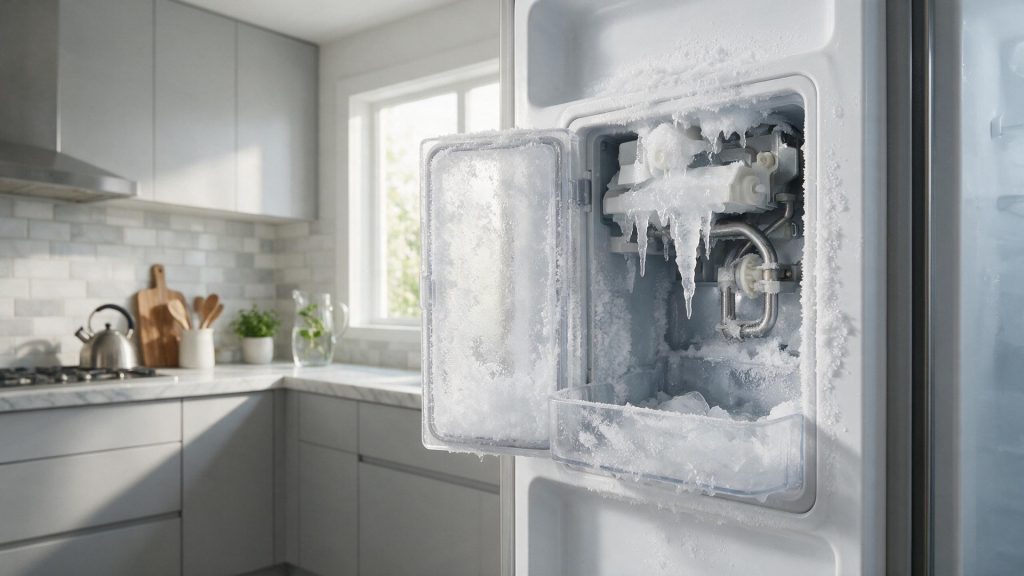
An empty Samsung ice bin can come from freezer temperature, water supply, filter condition, fill hardware, a frozen fill path, sensing, harvest components, or…
Uneven browning can come from cookware, rack position, door opening, convection airflow, calibration, a heating component, temperature sensing, or control behavior. One disappointing tray…
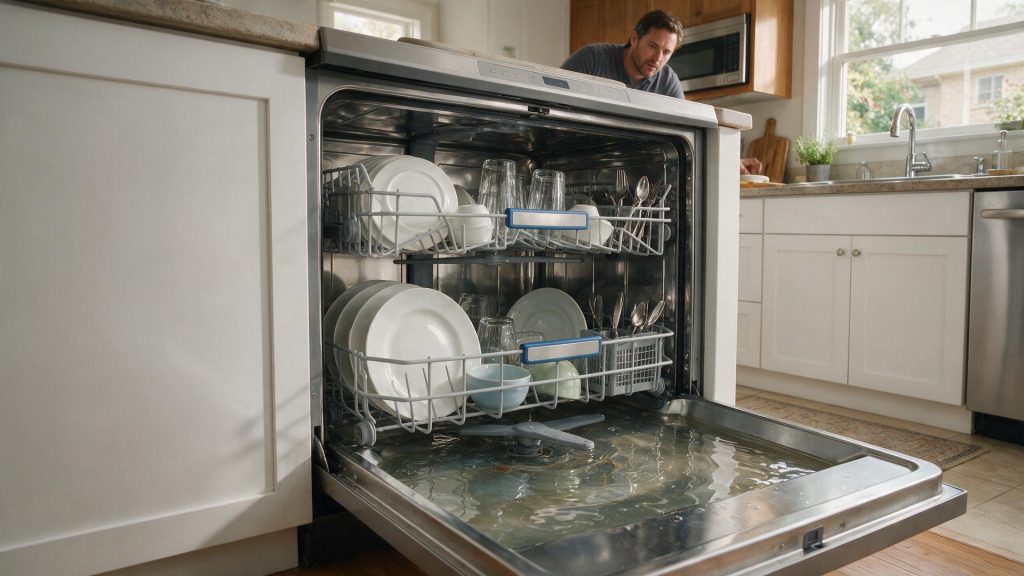
A Samsung dishwasher can leave water because of the filter/sump area, drain hose, sink or disposer connection, drain pump, check path, sensing, or control…
Book your repair
Tell us the symptom, appliance and any code you see. We’ll use those details to start with a focused diagnostic path.
Share a few details and we’ll confirm an appointment. Prefer to talk? Call us and we’ll help right away.