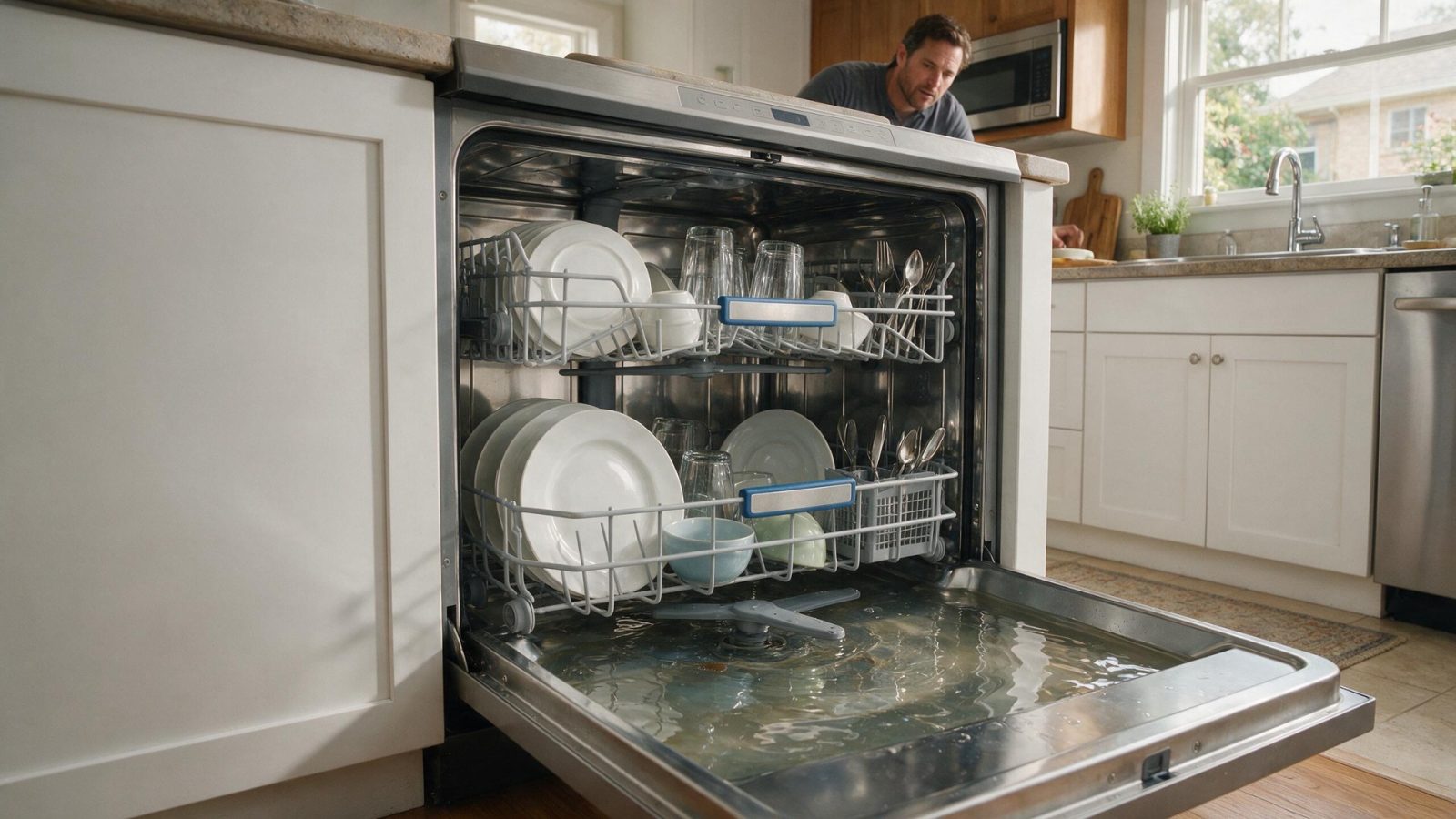
A Samsung dishwasher can leave water because of the filter/sump area, drain hose, sink or disposer connection, drain pump, check path, sensing, or control behavior. The point in the cycle where draining stops is more…
When a Samsung dishwasher leaves standing water, work from the outside in: the filter area, the drain hose, and the sink or disposer connection come before the drain pump. A drain code such as 5C or 5E tells you the dishwasher sensed a drain problem, not which part caused it. If the checks below do not clear it, book diagnosis.
A Samsung dishwasher can leave water because of the filter/sump area, drain hose, sink or disposer connection, drain pump, check path, sensing, or control behavior. The point in the cycle where draining stops is more useful than the puddle alone.
Change one condition at a time. If you reset power, change settings, clean several systems, and move the appliance all at once, you lose the evidence that could have narrowed the problem.
| Symptom | What it can point to | What you can safely check |
|---|---|---|
| Water left after a new installation | A drain hose pinched under the dishwasher, no air gap or high loop, or a disposer knockout cap left in place | Check how the hose runs and that the cap was removed if a disposer was connected |
| 5C, SC, 5E, or SE | The drain error Samsung describes | Run sink water for about 30 seconds to see whether home plumbing is the cause |
| OC, 0C, or oE | Over-level water, meaning more water than expected | Use the same drain checks and confirm the filter is seated |
| Humming or grinding with water left behind | Something caught in the drain pump impeller below the filter, per Samsung | Clean the filter as the manual describes; leave the pump to service |
Samsung dishwashers use several diagnostic families across generations. Public Samsung guidance commonly distinguishes water-supply, drain, leak, motor, vane, and heating conditions on supported models. The cycle stage—fill, wash, drain, heat/dry, or control/start—is essential context.
Samsung dishwasher documentation uses families such as 5C/5E for drain-related conditions and 4C/4E for water-supply conditions on supported products. Exact applicability still needs model context.
Samsung’s drain guidance says the most common cause right after installation is the dishwasher sitting on its own drain hose and pinching it shut. The hose also needs an air gap or a high loop, because without either, water can flow back into the dishwasher. If a garbage disposal was recently connected, confirm its knockout cap was removed.
The sink is the quickest test. Run water for about 30 seconds, and if the sink does not drain, the problem is home plumbing and not the dishwasher. Samsung also notes that frozen water or drain lines are not covered by warranty service, so confirm the lines are not frozen first.
Missing or incorrectly inserted filter and drain parts can cause drain issues and errors. On Waterwall models, Samsung describes rotating the fine filter counterclockwise, lifting it out, rinsing it, using a toothbrush if needed, and rotating it clockwise to lock it back in. The page says to clean the filter whenever debris accumulates and gives no fixed schedule, and that debris may be sharp.
A clogged fine filter can cause error 1E, and rinsing large food off dishes first reduces how often the filter area needs cleaning.
A visible symptom identifies a system to investigate; it does not identify one replacement part. Installation, household utilities, sensors, wiring, mechanical components, electronics, and the appliance’s normal protective logic can create similar outward behavior.
If significant water returns after accessible checks, the drain pump, wiring, sensing, control, or installation should be diagnosed for the exact dishwasher family.
A repeating symptom deserves model-aware testing rather than a part selected from a generic symptom list.
Samsung lists 3C as a pump operation error and 4C or 4E as water-supply errors, so they point to different parts of the cycle. They sit on different parts of the cycle.
Write down:
– the complete Samsung model code, including a suffix such as `/US`, `/AA`, or `/A3` when the product label includes one;
– the appliance type and installation style;
– the exact symptom in one sentence;
– when it began;
– whether it is constant or intermittent;
– what related function still works normally;
– any displayed code, message, light pattern, or warning before reset;
– any recent power, water, gas, drain, venting, cleaning, filter, or installation event.
Leave built-in, stacked, laundry-hub, or tightly fitted appliances installed unless the service team specifically requests access. Moving an appliance without a plan can disturb flooring, cabinetry, anti-tip hardware, gas, water, drain, venting, or electrical connections.
Do not clear a useful diagnostic display before recording it. Do not replace a part because another Samsung owner reported the same symptom. Do not use a dishwasher code meaning for a washer or range because the characters look similar.
One controlled owner-level check is useful when it answers a question. Repeated resets or panel removal usually removes evidence instead of adding it.
For adjacent symptoms, read Samsung Dishwasher Repair Cost: Drain, Leak, Wash, Heat, or Controls? and Samsung Dishwasher Leak or LC Message: Protect the Floor and Electrical Area First.
One normal manual-approved restart can be useful after a temporary control interruption. Record the display first. If the same symptom returns, repeated resets are not a repair.
Usually no. A code narrows the system; it does not always identify one failed component.
No. Keep homeowner checks external and model-appropriate.
Samsung uses many appliance generations and regional/model suffixes. Exact model identity helps prevent the wrong code meaning, wrong procedure, or wrong part path.
Samsung groups 5C, SC, 5E, and SE as drain errors. They describe a drain problem, so work through the drain hose, filter, and sink connection before assuming a pump issue.
Samsung says the most common cause right after installation is the dishwasher sitting on its own drain hose. A missing air gap or high loop, or a disposer cap left in place, can also be the reason.
If running water in the sink for about 30 seconds does not drain, Samsung says it is home plumbing rather than the dishwasher.
Book your repair
Book a specialist visit for a clear estimate and approval before any repair.

One normal manual-approved restart can be useful after a temporary control interruption. Record the display first. If the same symptom returns, repeated resets are not a repair.
Usually no. A code narrows the system; it does not always identify one failed component.
No. Keep homeowner checks external and model-appropriate.
Samsung uses many appliance generations and regional/model suffixes. Exact model identity helps prevent the wrong code meaning, wrong procedure, or wrong part path.
An empty Samsung ice bin can come from freezer temperature, water supply, filter condition, fill hardware, a frozen fill path, sensing, harvest components, or…
Uneven browning can come from cookware, rack position, door opening, convection airflow, calibration, a heating component, temperature sensing, or control behavior. One disappointing tray…
A Samsung washer may refuse high-speed spin because water remains in the tub, the load cannot balance, the lid or door is not recognized,…
Book your repair
Tell us the symptom, appliance and any code you see. We’ll use those details to start with a focused diagnostic path.
Share a few details and we’ll confirm an appointment. Prefer to talk? Call us and we’ll help right away.