A Samsung refrigerator that is warming does not automatically have a compressor problem. The useful first step is to compare fresh-food and freezer temperatures, listen for normal fan activity, and note whether the…
A refrigerator that is warming is not automatically a compressor problem. Compare the fresh-food and freezer temperatures, listen for fan activity, and check recent events such as a power cut, heavy door use, or frost. On Samsung models, simple causes include Cooling Off (demo) mode, a blocked vent, a door seal that does not grip, or a recent setting change that has not had time to take effect.
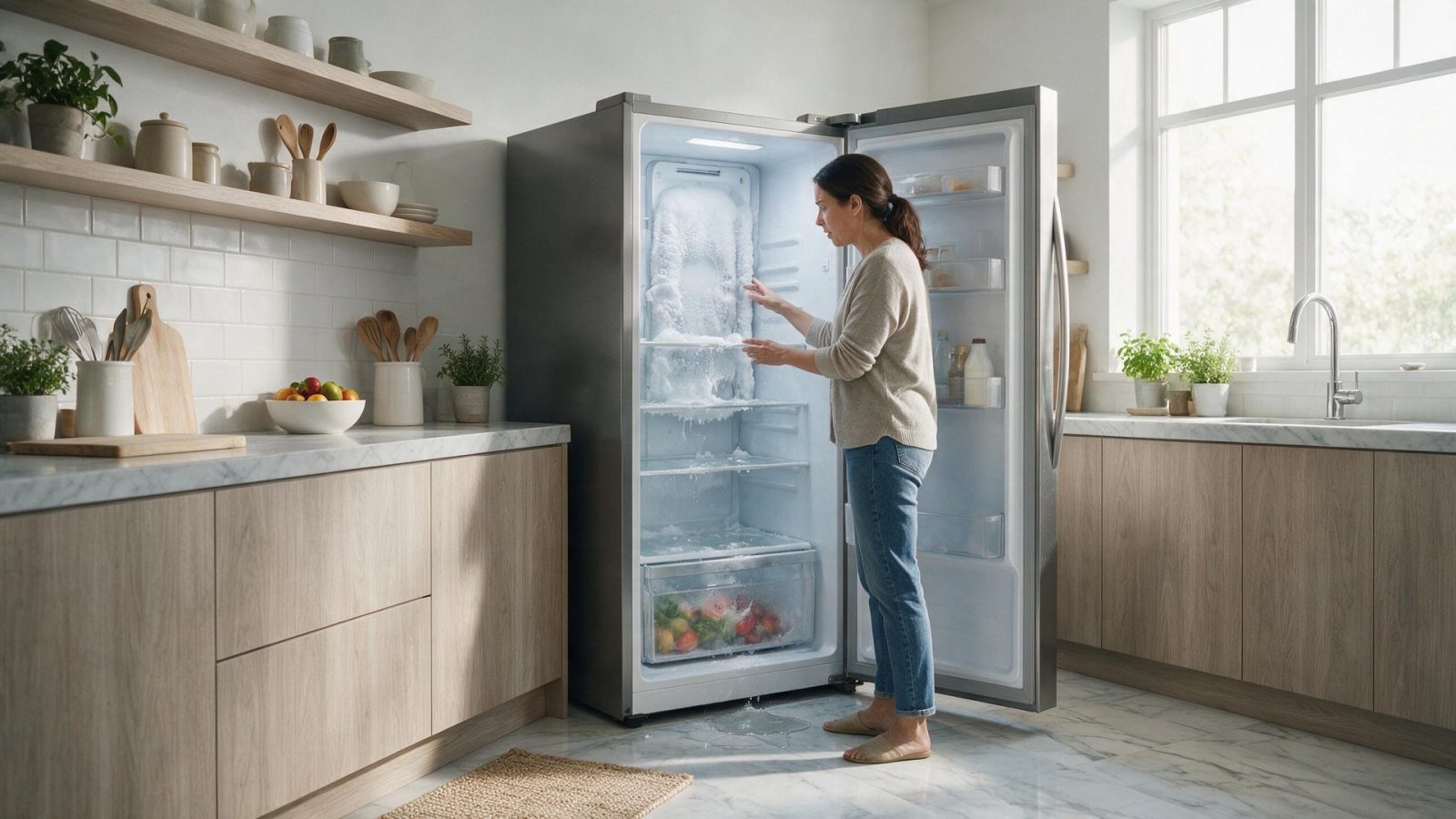
A Samsung refrigerator that is warming does not automatically have a compressor problem. The useful first step is to compare fresh-food and freezer temperatures, listen for normal fan activity, and note whether the issue followed a power event, heavy door use, or visible frost buildup.
Change one condition at a time. If you reset power, change settings, clean several systems, and move the appliance all at once, you lose the evidence that could have narrowed the problem.
Samsung says the freezer default is about -2 F and should stay at 0 F or below; ice cream softens at about 3 F or higher. The panel can take up to 4 hours to show a new setpoint and up to 28 hours to reach it with the doors closed; if the display is still blinking at 28 hours, request service. The page also says a display reading OF OF, O FF, OFF OFF, or scrolling bars means Cooling Off (demo) mode, and the refrigerator will not cool until it is turned off.
Room temperature matters too: above 110 F or below 50 F prevents proper cooling.
Samsung refrigeration spans French-door, side-by-side, top-freezer, bottom-freezer, counter-depth, Bespoke, Family Hub/connected, ice/water, and several generation-specific control platforms. A code that is correct for one refrigerator family is not automatically applicable to another.
For cooling complaints, the most useful owner data are measured temperatures, frost location, fan/noise changes, ice/water behavior, door closure, and the timing of any power or filter event.
Samsung refrigerator displays can include cooling-system, fan, sensor, communication, and operating-status messages. Exact meaning and applicability must be matched to the model/platform before a code is used to guide service.
| Symptom | What it can point to | What you can safely check |
|---|---|---|
| Display shows OF OF or scrolling bars | Cooling Off (demo) mode | Check the manual for turning off demo mode |
| Blinking temperature panel | Interior above 59 F; stops on its own once cooled | Allow cooldown; Samsung says it can take up to 4 hours |
| Fridge warm, freezer fine | Airflow or fan issue | Check vents and 2 inches of clearance |
| Code such as 21E or 22E | Samsung lists 21E as freezer fan and 22E or 22C as fridge fan | Record it; follow the manual before clearing |
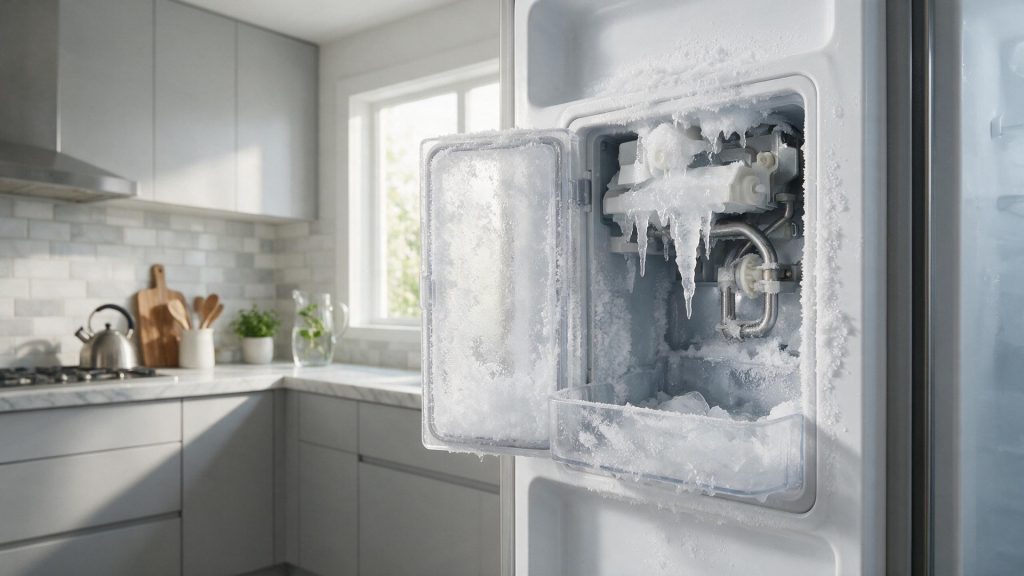
| Frost near door or seal | Seal gap or frequent door openings | Clean the seal and try the dollar-bill test |
A visible symptom identifies a system to investigate; it does not identify one replacement part. Installation, household utilities, sensors, wiring, mechanical components, electronics, and the appliance’s normal protective logic can create similar outward behavior.
If temperatures keep rising after normal loading, sealing, and setting checks, diagnosis may need to separate fan operation, defrost, sensors, controls, compressor/inverter operation, and the sealed refrigeration system.
A repeating symptom deserves model-aware testing rather than a part selected from a generic symptom list.
Samsung asks for 2 inches of clearance at the back, top, and sides, and for food to be kept 2 inches from interior vents. A refrigerator that is at least two-thirds stocked holds temperature better.
Frost guidance recommends keeping door openings under 1 minute and about once per hour or less. A power cycle is documented as unplugging or turning the breaker off for 2 minutes, with cooling taking about 3 hours to show (2 hours with Power Cool). Samsung says not to unplug or press panel buttons to clear a code unless its guide directs it.
Write down:
– the complete Samsung model code, including a suffix such as `/US`, `/AA`, or `/A3` when the product label includes one;
– the appliance type and installation style;
– the exact symptom in one sentence;
– when it began;
– whether it is constant or intermittent;
– what related function still works normally;
– any displayed code, message, light pattern, or warning before reset;
– any recent power, water, gas, drain, venting, cleaning, filter, or installation event.
Leave built-in, stacked, laundry-hub, or tightly fitted appliances installed unless the service team specifically requests access. Moving an appliance without a plan can disturb flooring, cabinetry, anti-tip hardware, gas, water, drain, venting, or electrical connections.
For condos, high-rises, gated communities, and custom kitchens, include parking/loading, elevator, shutoff, and clearance information when booking.
Do not clear a useful diagnostic display before recording it. Do not replace a part because another Samsung owner reported the same symptom. Do not use a dishwasher code meaning for a washer or range because the characters look similar.
One controlled owner-level check is useful when it answers a question. Repeated resets or panel removal usually removes evidence instead of adding it.
For adjacent symptoms, read Samsung Ice Maker Not Making Ice: Temperature, Water, and Harvest Come First and Samsung Refrigerator Leaking Water: Trace the First Wet Point Before You Guess.
One normal manual-approved restart can be useful after a temporary control interruption. Record the display first. If the same symptom returns, repeated resets are not a repair.
Usually no. A code narrows the system; it does not always identify one failed component.
No. Keep homeowner checks external and model-appropriate.
Samsung uses many appliance generations and regional/model suffixes. Exact model identity helps prevent the wrong code meaning, wrong procedure, or wrong part path.
Samsung says about 3 hours for cooling to show, or 2 hours with Power Cool. The panel can take up to 4 hours to show a setpoint change.
Samsung says a blinking temperature panel appears when the interior is above 59 F and stops on its own once cooled, which can take up to 4 hours.
Samsung says OF OF, O FF, OFF OFF, or scrolling bars indicate Cooling Off (demo) mode, in which the refrigerator will not cool.
Book your repair
Book a specialist visit for a clear estimate and approval before any repair.

One normal manual-approved restart can be useful after a temporary control interruption. Record the display first. If the same symptom returns, repeated resets are not a repair.
Usually no. A code narrows the system; it does not always identify one failed component.
No. Keep homeowner checks external and model-appropriate.
Samsung uses many appliance generations and regional/model suffixes. Exact model identity helps prevent the wrong code meaning, wrong procedure, or wrong part path.
An empty Samsung ice bin can come from freezer temperature, water supply, filter condition, fill hardware, a frozen fill path, sensing, harvest components, or…
Uneven browning can come from cookware, rack position, door opening, convection airflow, calibration, a heating component, temperature sensing, or control behavior. One disappointing tray…
A Samsung dishwasher can leave water because of the filter/sump area, drain hose, sink or disposer connection, drain pump, check path, sensing, or control…
Book your repair
Tell us the symptom, appliance and any code you see. We’ll use those details to start with a focused diagnostic path.
Share a few details and we’ll confirm an appointment. Prefer to talk? Call us and we’ll help right away.